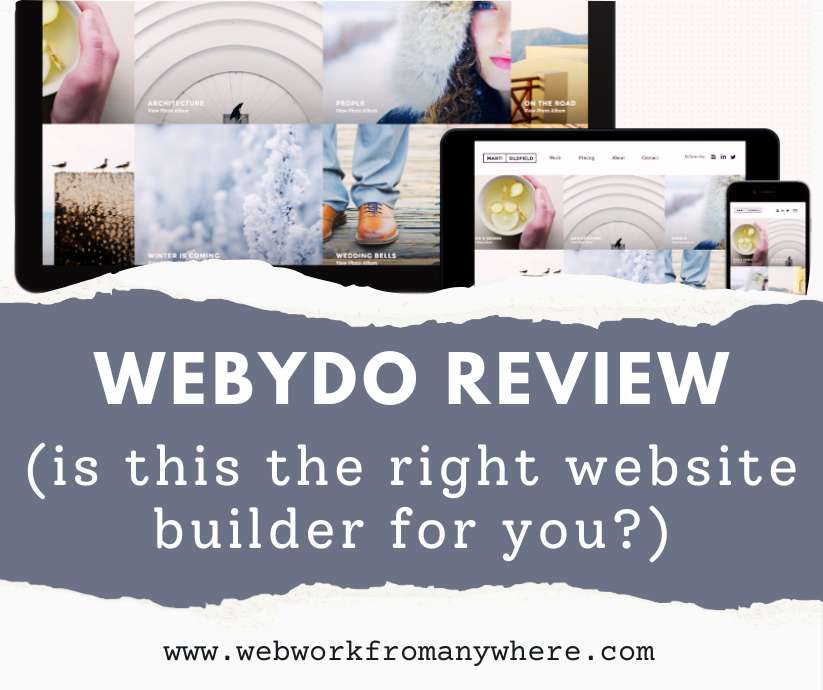
Want a website that doesn’t look like everyone else’s template? Most builders box you into pre-made designs, but Webydo hands you the creative controls. If you’re ready to learn a professional tool – or already have design chops – this platform turns your online business vision into pixel-perfect reality. Let’s see in this Webydo Review if it’s your match…
- 1. What Is Webydo and How Does It Work?
- 2. Who is Webydo For?
- 3. See Video: Get Started with Webydo
- 4. What Makes Webydo Worth Learning?
- 5. What Are the Honest Challenges?
- 6. What Are Easier Options for Non-Designers?
- 7. Can You Build Real Income With Your Webydo Site?
- 8. Your 5-Step Action Plan This Week
- 9. FAQ – Webydo Review
Hi Friends – This post contains affiliate links. I may earn a commission at no extra cost to you. Thank you for your support!
1. What Is Webydo and How Does It Work?
Webydo is a unique, professional website builder designed for designers who want design freedom – without writing a single line of code.
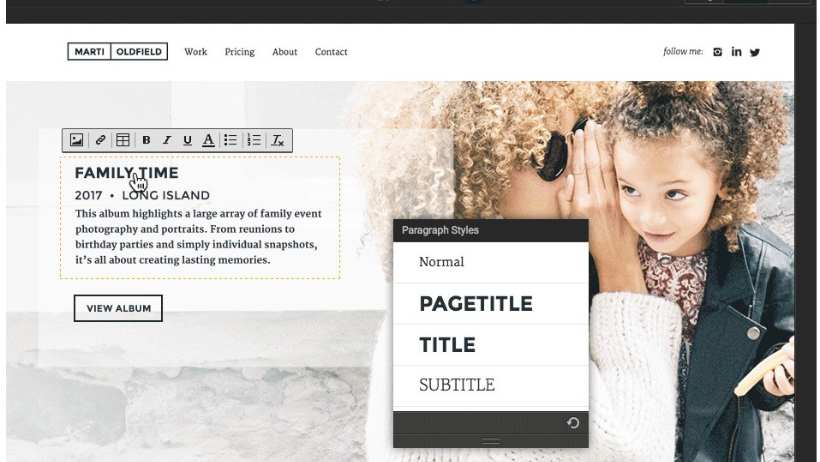
Unlike typical drag-and-drop builders, Webydo works like design software – think Photoshop meets website creation.
You control every element’s exact position, spacing, and behavior, making it ideal for blogs, websites, online course platforms, or print-on-demand shops that need to stand out from the crowd visually.
Key Features Explained
a) White label options:
Remove all Webydo branding from your site. Perfect when you’re building a professional brand and don’t want “Powered by Webydo” in your footer. Your site looks completely custom and independent.
b) Client management dashboard:
Manage multiple websites from one account. Great if you’re running several projects – your blog, your shop, and maybe a side site – all organized in one place with separate billing and access controls.
c) Built-in CMS (Content Management System) for content updates:
Add blog posts, update product descriptions, and change text without touching design elements. The content management system separates your words from your layout, so updates stay clean and consistent. (Pro account and up)
d) Responsive design tools:
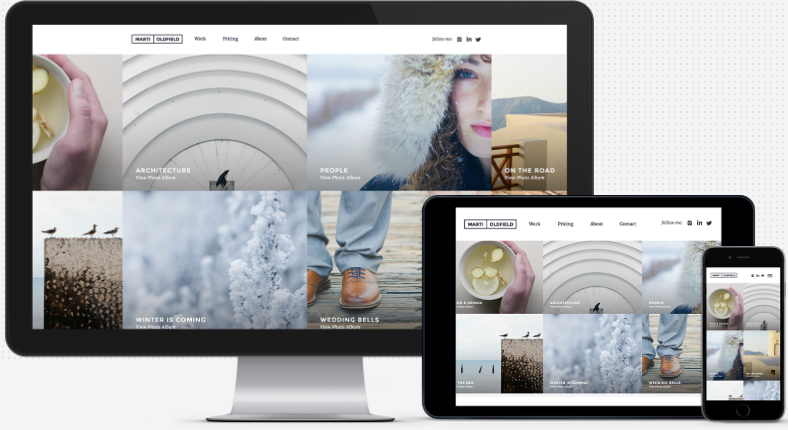
Your site automatically adjusts for phones, tablets, and desktops. You control how elements stack and resize on different screens, ensuring your online store looks professional everywhere your customers browse.
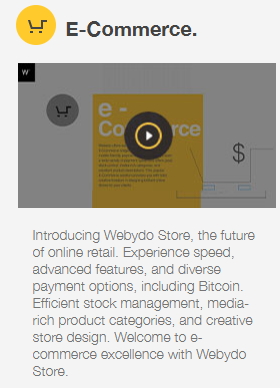
e) E-commerce capabilities:
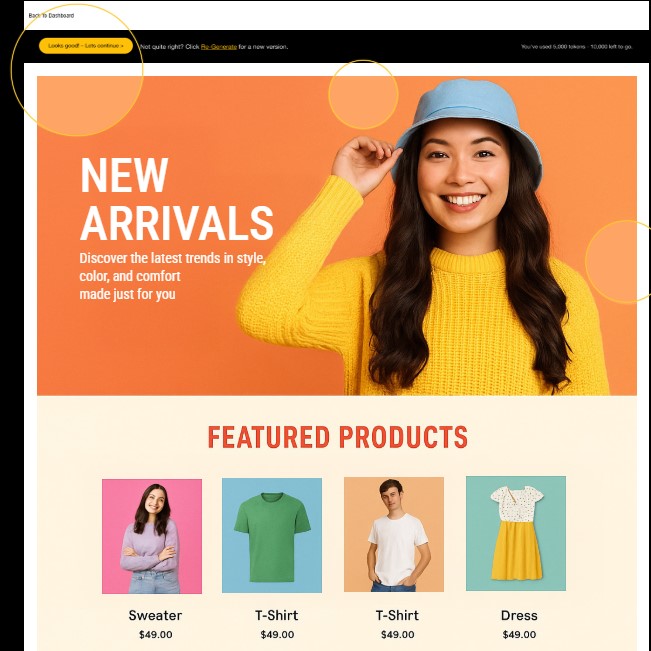
Sell physical products, digital downloads, or print-on-demand items directly. Built-in shopping cart, payment processing, and inventory management mean you’re not patching together multiple services to run your shop.
If creative control matters to you, Webydo offers a 14-day free trial so you can test it risk-free.
2. Who is Webydo For?
- Bloggers wanting unique, memorable designs
- Online course creators needing custom layouts
- Dropshippers building branded storefronts
- Print-on-demand entrepreneurs showcasing products creatively
- Anyone with design software experience
- People willing to invest learning time for professional results
If you’re starting a blog about sustainable living, teaching watercolor classes online, or launching a custom t-shirt business, Webydo lets your personality shine through design – not generic templates.
3. See Video: Get Started with Webydo

4. What Makes Webydo Worth Learning?
a) Your Site Looks Professionally Designed
No one’s seen your exact layout before. When you’re competing for students in your online cooking class or selling handmade jewelry, that visual distinction builds trust.
Visitors notice the difference between thoughtful design and template #247.
b) Complete Creative Control
Move that button three pixels left. Change your header height to exactly 425 pixels. Adjust spacing until it feels perfect.
These details seem small, but they’re everything when building a brand that reflects your vision.
5. What Are the Honest Challenges?
a) Real Learning Investment Required
Expect 10-15 hours of tutorials before feeling confident. Your first project takes twice as long as you’d hope. But week two feels easier, and by project three, you’re designing efficiently.
b) Steeper Than Advertised
Marketing says “easy,” but it’s really “powerful.” There’s a difference. If you’re juggling a full-time job and want your site launched next week, this timeline might frustrate you.
6. What Are Easier Options for Non-Designers?
If you want speed and simplicity, Wix and WordPress.com offer quick setups with templates and drag-and-drop tools.
They’re great for getting online fast – but you’ll sacrifice creative control and uniqueness.
Webydo’s edge? It’s built for designers who want pixel-perfect freedom without coding. If your brand’s distinctive look matters, Webydo delivers.
7. Can You Build Real Income With Your Webydo Site?
Absolutely – here’s how:
Teaching Online: Build a course platform showcasing your expertise. Charge $200-$500 per course. Ten students monthly at $300 each nets $3,000.
Dropshipping Store: Design a branded storefront that converts. Profit margins of $15-$30 per product add up with consistent traffic and marketing.
Print-on-Demand Business: Showcase your designs beautifully. Higher-quality presentation means premium pricing – charge $28 instead of $19 for that custom mug.
Blogging with Affiliate Income: A well-designed blog builds authority. Readers trust recommendations more when your site looks professional, boosting affiliate click-through rates.
8. Your 5-Step Action Plan This Week
Day 1: Sign up for Webydo’s trial and spend 30 minutes exploring the dashboard.
Day 2-3: Watch their beginner tutorial series. Take notes on tools you’ll use most.
Day 4: Sketch your homepage on paper – logo placement, main sections, call-to-action buttons.
Day 5: Build your homepage in Webydo. Aim for completion, not perfection.
Weekend: Create your about page and one blog post or product listing. Momentum matters more than polish right now.
9. FAQ – Webydo Review
Can I use my own domain name? Yes! Connect any domain you own or purchase one through Webydo. Your site shows your brand, not a Webydo subdomain.
Do I need coding skills? No coding required. Everything’s visual. However, understanding basic web concepts helps you work faster.
What happens if I need help? Webydo offers video tutorials, documentation, and support tickets. Their community forum provides peer help for common questions.
Can I start free and upgrade later? They offer trials, but you’ll need a paid plan to publish your site publicly and connect your domain.
Is it good for selling products? Yes—built-in e-commerce handles physical products, digital downloads, and inventory management without additional plugins.
Webydo Review – Ready to Build Something Beautiful?
Webydo rewards people who value design and embrace learning. Your blog, course platform, or online store deserves better than cookie-cutter templates.
Invest the time upfront, and you’ll create something distinctly yours.
Pick your project this week. Block those hours for learning. Start building today – your unique online presence isn’t going to design itself!