Ready to start making videos but not sure where to begin? You’re in the right place. With just a few simple tools, you can turn your ideas into scroll‑stopping content faster than you think…
Some of the links on this page are affiliate links, which means I may earn a small commission if you click through and make a purchase – at no extra cost to you. See Affiliate Disclosure Page>>
Start here >> Content and Affiliate Marketing >> Video Creation >> YouTube >> Social Media Marketing

1. Your Video Editing Command Center
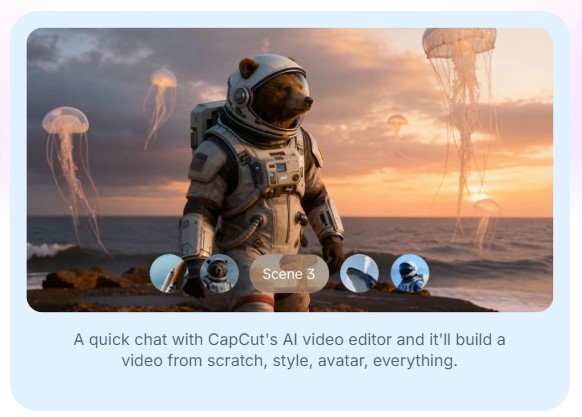
Let’s start with the heart of video creation: your editing software. CapCut is where I recommend most beginners begin. It’s free, surprisingly powerful, and works on your phone or computer.
You can trim clips, add music, and create transitions without feeling like you’re piloting a spaceship!
Once you’re comfortable and want more advanced features like motion tracking or color grading (fancy ways to make your videos look professional), Filmora is your next step up. It strikes that sweet spot between simple and sophisticated.
For those ready to dive deeper without spending a dime, DaVinci Resolve is the same software Hollywood editors use. Yes, really.
The learning curve is steeper, but there are thousands of tutorials online, and the DaVinci Resolve Titles templates make adding professional-looking text much easier than starting from scratch.
2. Make Your Videos Sound Amazing
Here’s something most new creators overlook: audio matters more than you think. A video with mediocre visuals but great sound will outperform beautiful footage with bad audio every time.
That’s where ElevenLabs comes in. This AI voice tool can generate incredibly natural-sounding narration if you’re camera-shy or want to add voiceovers without re-recording twenty times. It’s like having a professional voice actor on standby.
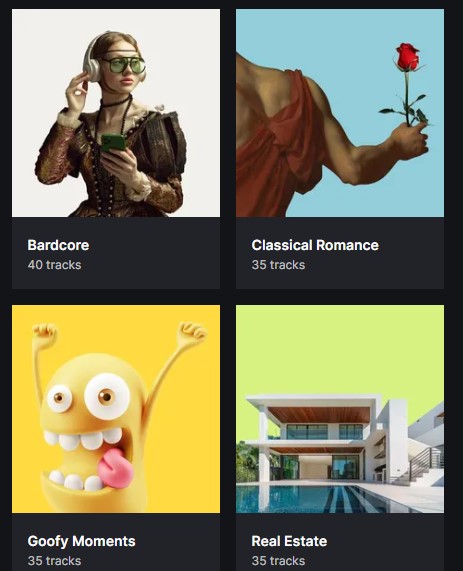
For background music, Epidemic Sound and Artlist both offer huge libraries of tracks you can use without worrying about copyright strikes. Nothing stops a video’s momentum faster than getting muted for using the wrong song.
3. Find Visual Content (Without Breaking the Bank)
Speaking of content, you’ll often need extra footage – what professionals call “B-roll.”
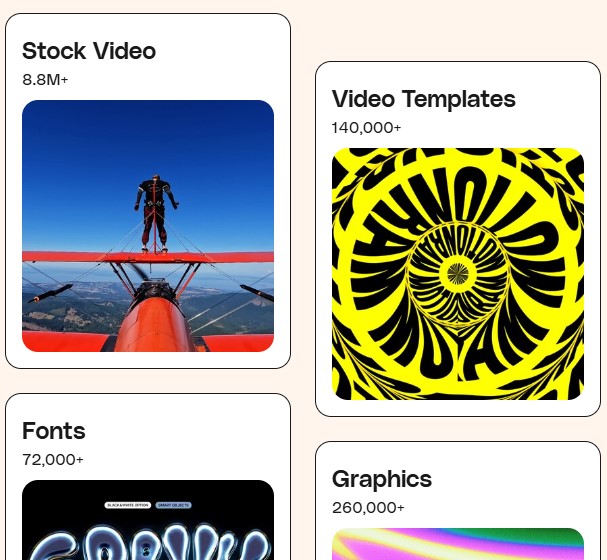
Pexels offers thousands of free video clips you can download and use right away. Need a sunset? City traffic? Someone typing on a laptop? It’s there.
When you need more variety or higher quality, Envato Elements gives you unlimited downloads of videos, music, graphics, and templates for one monthly price. Think of it as Netflix for creators.
4. Design Eye-Catching Thumbnails
Your video could be Oscar-worthy, but if the thumbnail doesn’t grab attention, nobody clicks.
Canva makes creating thumbnails fun. They have templates specifically designed for YouTube, TikTok, and other platforms. Just drag, drop, customize with your face or text, and download. No design experience required.
5. Grow Your Audience
Creating great videos is only half the battle – people need to actually find them. VidIQ and TubeBuddy are like having a coach who tells you which keywords to use, what’s trending, and how your videos are performing compared to others.
VidIQ excels at competitor research, while TubeBuddy has fantastic bulk processing tools if you’re managing lots of videos. Many creators use both.
For TikTok specifically, the platform’s built-in analytics are surprisingly good once you get 100 followers. And yes, TikTok isn’t just for dancing teenagers anymore – it’s become a powerful platform for educators, hobbyists, and anyone with knowledge to share.

6. Turn Your Viewers into Subscribers
Once people start watching, you’ll want to stay connected. MailerLite lets you collect email addresses and send newsletters without feeling like spam. It’s free up to 500 subscribers, and the templates actually look good.
Pair this with ManyChat to automate responses on your social media – think of it as a friendly assistant who answers common questions while you’re sleeping.

7. AI-Powered Shortcuts
The newest game-changer? Descript uses artificial intelligence to edit your videos by editing the text transcript. Seriously. Remove “ums” and “ahs” just by deleting words. It also transcribes automatically, which helps with accessibility and SEO (how people find you on search engines).
For creating short clips from longer videos, InVideo (Use InVideoOffer25 code for 25% discount) can help you repurpose content across different platforms without starting from scratch each time.
One long YouTube video can become a week’s worth of TikTok, Instagram Reels, and YouTube Shorts – multiplying your reach without multiplying your workload.
8. When You Need Extra Help
Finally, don’t forget Fiverr for those tasks outside your wheelhouse. Need a custom intro animation? A thumbnail designer? Someone to edit your first few videos while you learn?
You’ll find affordable freelancers who can help you maintain momentum while you’re still figuring things out.
Start Simple, Grow Steadily
The secret to video creation isn’t having every tool – it’s starting with a few good ones and actually using them. Pick your editing software, grab some free stock footage, and make your first video. You’ll learn more from creating one imperfect video than from planning the perfect setup for months.
Your audience is waiting. What will you create first?